
The Joint Admission and Matriculation Board, JAMB has releasing 57,000 results of the UTME exam that was taken on Saturday. The results started being uploaded online on Monday, 13th of May.
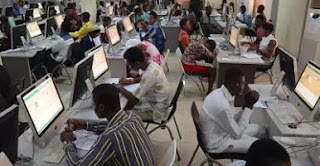
Meanwhile, there are two ways to check your JAMB 2017 Results online, one is through the email address you registered with and the other is by login to the portal. Interestingly, technology has made it very easy to the extent that you can even check your results with your internet enabled mobile phone or with a PC. So follow below steps.
HOW TO CHECK JAMB 2017 RESULTS ONLINE
1. Go to www.jamb.org.ng
2. Login with your username and password
3. Scroll down and locate the small box that says “Check 2017 UTME Examination Results”
2. Click on it.
3. If your result has been uploaded online, it should display it and you can print out
However, if yours didn't come out, or shows “No Result Yet” Don’t panic, most times JAMB results are released in batches. Someone that took the exam in the same center with you may see his or hers but you just have to exercise a little patience and check back.
But if after few weeks, you weren't able to see your results, then there is possibility that Jamb withhold or seize your result
Below are reasons why JAMB May Seize or withhold your result
✔ Malpractice
✔ You missed your day schedule
✔️ You came too late to the exam center
Did you write JAMB? Have you seen your results? Let's know via the comments section.


